Ecosystem Overview
01. Frictionless Web Audio Capture
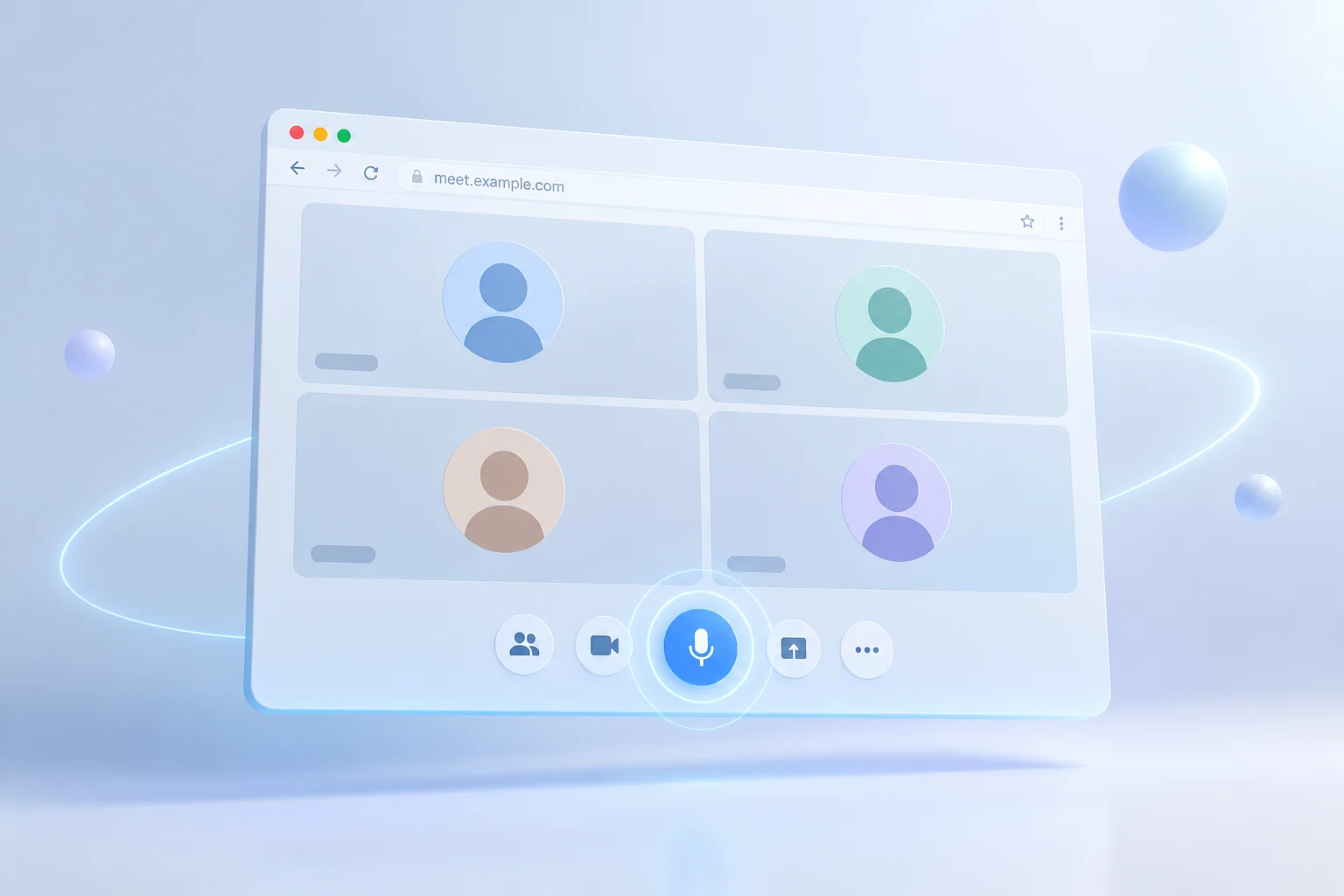
Google Meet operates smoothly inside modern web browsers, eliminating bulky software installations for daily team standups and client presentations. Gramolas-ai links directly to the session audio stream, identifying individual participants and producing accurate timestamps as discussions unfold naturally.
Rather than scrambling to record every commitment or client inquiry, attendees remain fully engaged in the dialogue. The system suppresses ambient noise, separates overlapping voices, and delivers structured logs straight into your secure workspace.
-
Instant speaker diarization optimized for browser microphone inputs and headphones.
-
Autonomous generation of post-call briefs, executive bullet points, and next steps.
-
Enterprise encryption adhering to SOC-2 and HIPAA confidentiality standards.
Technical Specifications
02. Architecture and Compatibility
Engineered specifically for distributed teams relying on Google Workspace, Gramolas-ai delivers ultra-low transcription latency alongside dependable data protection:
| Supported Browsers |
Google Chrome, Mozilla Firefox, Microsoft Edge, Safari |
| Audio Latency |
Under 450 milliseconds per speech packet |
| Language Coverage |
English (US, UK, AUS, CA) plus 30+ regional dialects |
| Security Protocols |
TLS 1.3 in transit, AES-256 at rest, zero data training |
| Calendar Synchronization |
Google Calendar auto-join and recurring call recognition |
Quick Onboarding
03. Activating Gramolas-ai for Google Meet
Setup requires under two minutes without requiring complex browser extensions or IT administrator overrides:
STEP 01
Authorize Workspace Account
Connect your Google account inside the Gramolas-ai dashboard to grant read permissions for scheduled calendar events.
STEP 02
Configure Auto-Join Preferences
Designate whether Gramolas-ai enters every external conference call or limits participation strictly to internal team standups.
STEP 03
Receive Structured Insights
Once the call concludes, review searchable transcripts, distilled key takeaways, and prioritized action items in your inbox.